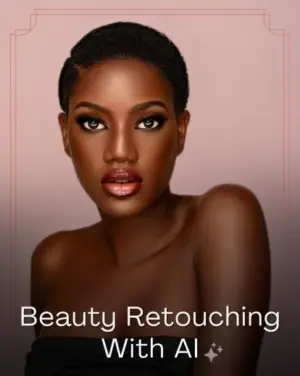

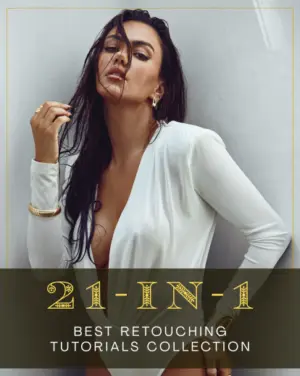



Upgrade Your Workflow With The Best Retouching Tutorials

If your edits always feel almost there but never quite finished, this is exactly the kind of breakthrough you’ve been looking for.
This 21-in-1 best retouching tutorials bundle focuses on how real professionals work today: simple, flexible, and result-driven. The lessons will enable you to take smarter editing decisions rather than blindly following tutorials.
With bonus retouching actions included, you’ll also speed up your workflow without sacrificing creative control. The outcome? Cleaner edits, richer tones, and images that look polished, professional, and truly complete.
What This Course Will Help You Do
- Follow a modern workflow backed by practical Photoshop retouching techniques
- Clean up images faster while keeping them natural and realistic
- Add depth and dimension using controlled dodge and burn techniques
- Use frequency separation effectively for sharper, more natural results
- Speed up your workflow with Photoshop actions while staying in full creative control
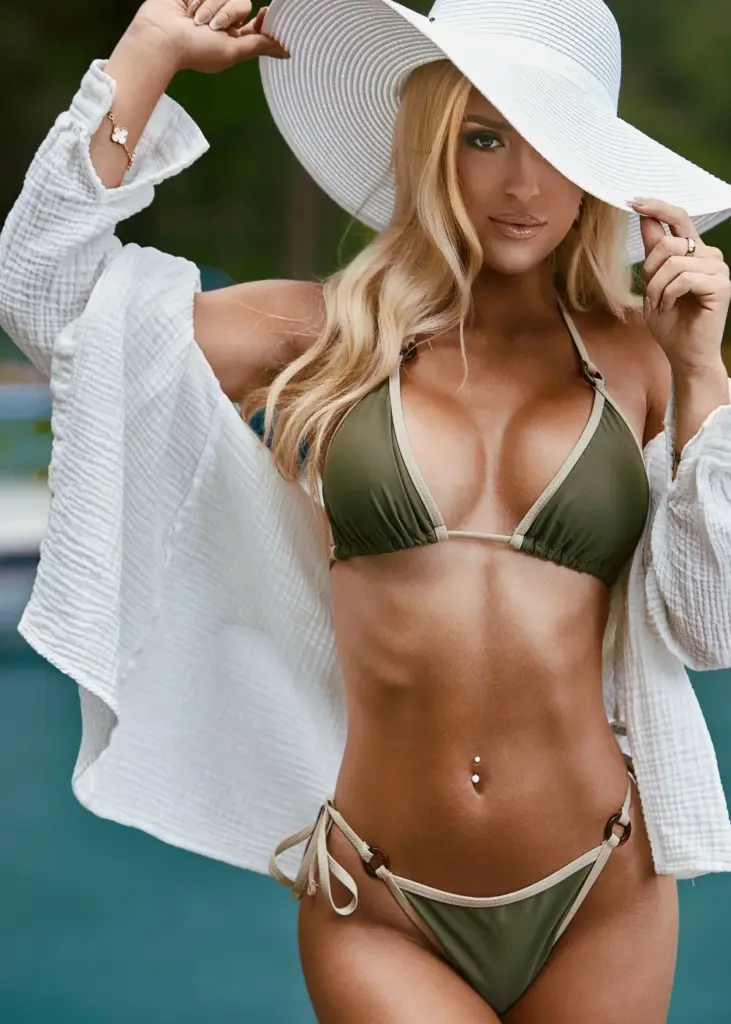
The Kind of Results You’ll Be Creating After This Course




What's Included In This Bundle?
- 21 in-depth skin retouching tutorials (9+ hours)
- BONUS: 110+ Pro retouching actions
Sneak Peek Into The Lessons
- Adjustment Layers Blend Modes Basics
- Capture One AI Face Retouch Considerations
- Capture One Balancing A Problem Set
- Controlling Luma and Chroma Advanced
- Dodge & Burn Full Overview
- Photoshop Impossible Selections
- Photoshop Backdrop Cleanup Full Retouch
- Photoshop Full Retouch ArtNude
- Capture One Black & White Conversion
- And more...
What Makes This Masterclass Different?
- Built for real-world, modern retouching
- Flexible workflow that works on any image
- Faster editing with full creative control
- Covers the complete retouching process
- Teaches you how to think, not just follow steps
Who Is This Course For?
- Portrait photographers struggling with skin retouching
- Editors facing inconsistent results
- Creators stuck in slow editing workflows
- Beginners confused by complex processes
Stop Guessing. Start Editing With Confidence.
Most retouching tutorials show you what to do. This bundle teaches you how to think.
With guidance from Nino Batista, you’ll move away from trial-and-error and start editing with clarity and purpose.
The result? Faster workflow, consistent results, and images that actually look finished, not overdone.
If you’re ready to level up your retouching and create work you’re truly proud of, this is where it starts.

Frequently Asked Questions
Will this course help me speed up my editing process?
Yes. With a structured workflow and included tools, you’ll be able to edit faster while maintaining high-quality results.
What makes this different from other retouching tutorials?
Most tutorials focus on step-by-step edits. This course teaches you how to think and make decisions, so you can confidently retouch any image.
What kind of results can I expect after completing this course?
You can expect cleaner edits, better skin tones, improved depth, and more consistent, professional-looking images across your work.
Will I learn how to avoid overediting my images?
Yes. A big focus is on knowing what not to edit. You’ll learn how to keep your images clean and realistic while still improving them.
Are the techniques suitable for client work?
Absolutely. The workflow is designed for real-world use, helping you deliver consistent, professional results for client projects.
Do I need any additional plugins or software?
No. Everything is designed to work within Photoshop, along with the included NBP Actions.
Will this help me develop my own retouching style?
Yes. Since the course focuses on decision-making, it helps you build a style that works for your images rather than copying someone else’s look.
Can I use these techniques for commercial and fashion photography?
Yes. The methods are widely used in fashion, beauty, and commercial portrait photo retouching.
Are the included Photoshop actions beginner-friendly?
Yes. The actions are designed to support your workflow, not replace it. You’ll also learn how they work, so you stay in full creative control.
Can I use this workflow on different types of images?
Definitely. The course focuses on a flexible retouching workflow that adapts to different images instead of relying on fixed steps.